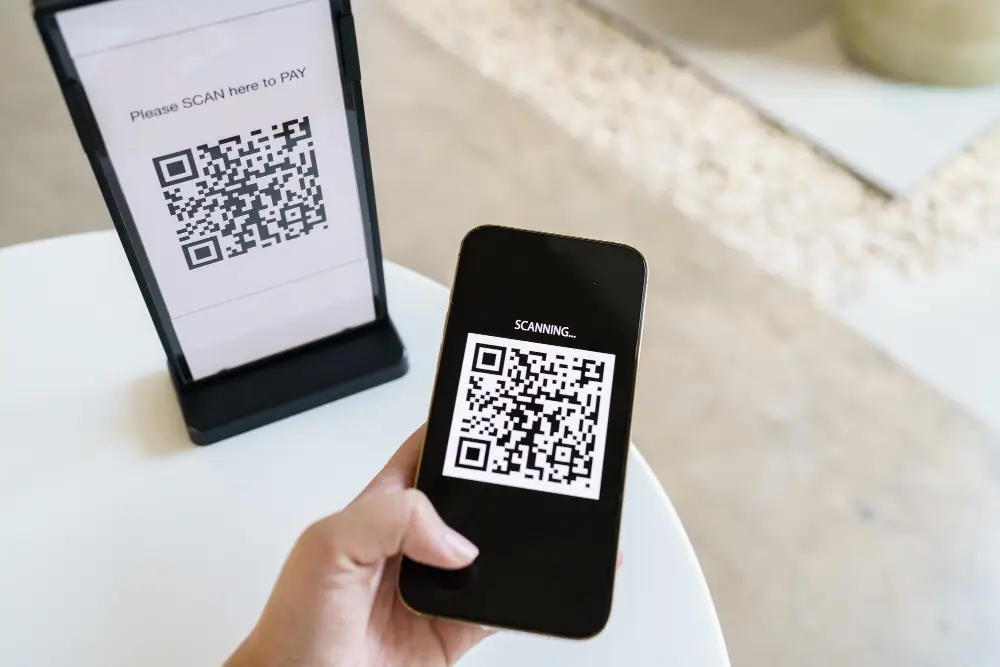
Point the camera at the QR code so the entire code appears on the screen.
Hold the device steady for a moment.
Tap the link or notification that appears.
The information will open in your web browser or the appropriate app.
If the Code Does Not Scan
Make sure you are using the regular Photo mode.
Improve the lighting and clean the camera lens.
Move the phone slightly closer to or farther away from the code.
On an iPhone or iPad, try the Code Scanner in Control Center.
On Android, look for Scan QR code in Quick Settings or try Google Lens.
Use QR Codes Safely
Before opening a QR code, look at the website address shown on your screen. Only open codes from sources you trust. Be cautious if a QR code leads to a page requesting a password, payment information, an unexpected download, or other sensitive information.